How to Delete USB Device History Windows 7/8/Vista/XP
Steps to Follow :
- First of all Download USBOblivion DOWNLOAD 32bit
DOWNLOAD 64bit
- Unzip the Downloaded File and Run USBOblivion Application.
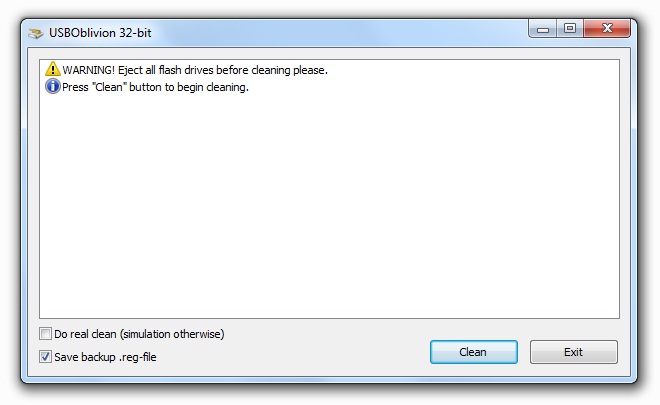
- Now Uncheck the Do-Real Clean Box and Check Save backup.reg-file as shown below.
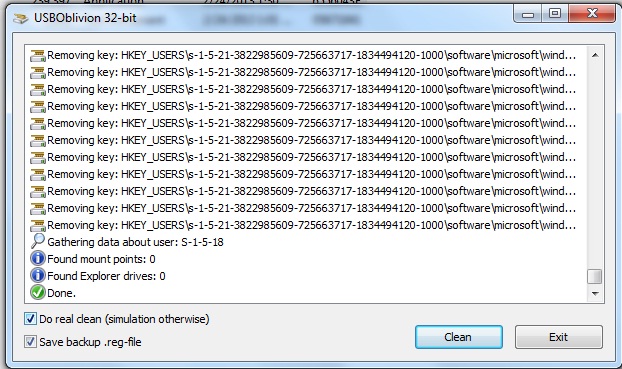
- Click on Clean Button and it will scan for all Past USB Device Entries in the Registry.
- After getting the whole list Check the Do-Real Clean box.
- Again Hit the Clean Button to permanently clear all the Traces.
- That’s all and you are all done.

0 comments:
Post a Comment